
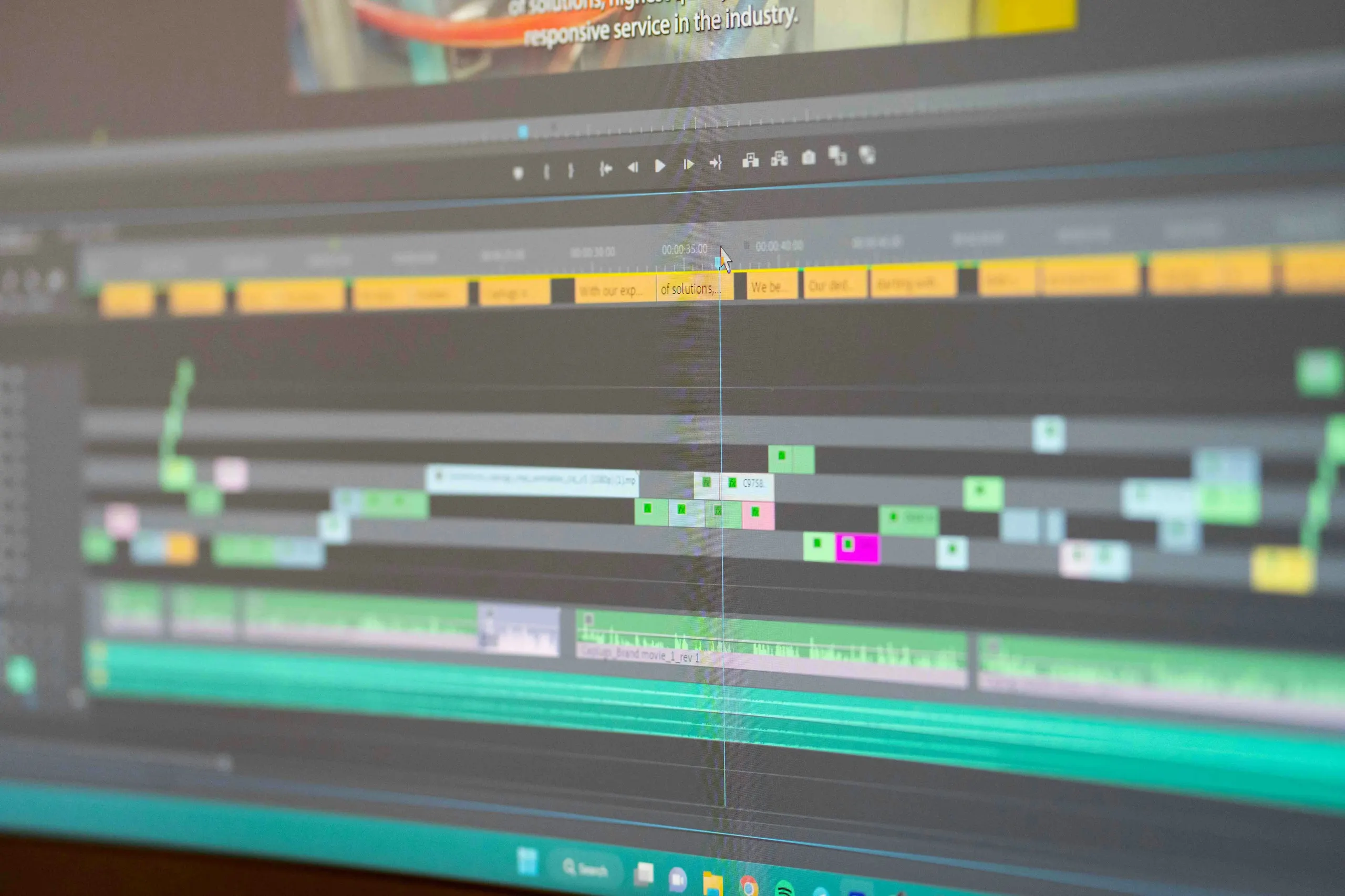
Most business video fails in the edit rather than the shoot. The footage is fine. The problem is a fourteen-second logo animation before anything happens, dialogue that is unintelligible without audio, and a call to action that arrives after most of the audience has already gone.
Editing is where a video becomes something people actually watch. It decides what the first two seconds show, whether the message survives being played on mute, how long the thing runs, and whether it works in the aspect ratio the platform actually serves. Those are commercial decisions dressed up as technical ones.
This guide covers how to edit business video that holds attention: the sound-off reality, caption requirements that are a genuine legal standard rather than a nice-to-have, formats worth building for, and the disclosure rules that now apply to AI-generated video in the EU.
What editing actually does
It is worth being precise about the job, because “editing” is often treated as tidying up rather than as the stage where the video is made.
- Decides the order information arrives in — which determines whether anyone stays.
- Removes everything that does not earn its place, which is usually more than the client expects.
- Controls pace, so the video feels like it is moving even when nothing dramatic happens.
- Makes the message legible without sound, through captions, text, and visual clarity.
- Keeps the brand consistent — typography, colour, lower thirds, and transitions.
- Produces the right versions for the places the video will actually appear.
The last point is where budgets are quietly wasted. A single landscape master delivered for a campaign that runs mostly on vertical feeds means the video appears letterboxed, small, and obviously repurposed. Format planning belongs at the brief stage, not after the edit is locked.
Editing for sound-off viewing
A large share of social video is watched without sound — on feeds that autoplay muted, in offices, on public transport, and late at night. You will find plenty of confident percentages quantifying this; most trace back to platform marketing material or agency surveys without published methodology, so this guide will not repeat a number it cannot source.
The number does not change the design implication, which is well-established: a business video must communicate its core message with the sound off, and then reward the viewer who turns it on.
In practice that means:
- Burned-in or platform captions on anything with dialogue.
- Key claims reinforced as on-screen text, not only spoken.
- Visual demonstration of the point rather than a person describing it.
- An opening that makes sense as a silent image, because that is the frame that has to earn the tap.
- Audio designed as enhancement rather than as the carrier of essential information.
Captions and accessibility
Captions are usually discussed as a growth tactic. They are also an accessibility requirement with a formal standard behind it, which is worth knowing if your organisation has any obligation to meet WCAG — as many public sector bodies, larger enterprises, and their suppliers do.
Under the W3C’s accessibility guidance, captions for prerecorded video with audio content are required at WCAG Level A — the base conformance level. Captions for live audio content sit at Level AA. The distinction the standard draws is also useful: captions are a text version of the audio in the same language, while subtitles are a translation into another language.
Practical guidance that follows from doing captions properly rather than automatically:
- Auto-generated captions are a starting point, not a deliverable. They mispunctuate, mishandle names, and mangle industry terms — which is exactly the vocabulary your video exists to communicate.
- Keep lines short enough to read at the pace they appear, and synchronised to the speech.
- Include meaningful non-speech audio where it carries information.
- Check contrast and positioning so captions stay legible and clear of platform interface elements.
Formats and platform specs
Vertical 9:16 at 1080×1920 is the working standard for short-form video across the major feeds, and it is the format worth editing toward first if social is where the video will live.
Specific limits change frequently, and a great deal of published guidance on this is out of date or simply invented — during research for this guide, articles from the same period disagreed with each other about maximum lengths by an order of magnitude. Verify current limits against the platform’s own documentation before you plan a cut around them.
One example that can be stated from primary documentation: YouTube specifies that Shorts can be up to 3 minutes long, with uploads supported at a maximum resolution of 1080p.
| Format | Ratio | Typically used for |
|---|---|---|
| Vertical | 9:16 | Short-form feeds and stories — the default for social-first video |
| Square | 1:1 | In-feed placements where vertical is unavailable |
| Landscape | 16:9 | YouTube long-form, websites, presentations, and connected TV |
Two editing habits make multi-format delivery far less painful. First, shoot and frame with the crop in mind, leaving headroom so a landscape master can be recomposed vertically without decapitating anyone. Second, keep titles and captions inside a safe area away from the edges, where platform interface elements — usernames, buttons, progress bars — will otherwise sit on top of your text.
Pacing, structure, and the opening
The opening is disproportionately important because it is the only part most of the audience will see.
Open with the point, not the preamble
Logo animations, establishing shots, and slow builds are the most common way business video loses its audience. If a viewer cannot tell what the video is about within the first few seconds, the rest of the edit does not matter. Brand identity can appear later, once you have earned the attention.
Cut everything that does not advance the point
Pauses, restarts, throat-clearing, and long transitions all slow the video without adding meaning. Tight editing is not about fast cutting for its own sake — it is about removing the moments where nothing is happening.
Match the length to the job
The right length is determined by the content and placement, not by a universal rule. Social-first video generally rewards brevity; a product demonstration or customer explainer can justify more time if every minute is doing work. The test is whether a viewer would notice anything missing if you cut thirty seconds. If not, cut them.
End with one clear action
A single, specific next step outperforms three competing ones. Make it explicit and make it visible on screen, not only spoken.
Video types and what each is for
| Type | Job it does | Editing emphasis |
|---|---|---|
| Brand film | Establishes who you are and what you stand for | Emotional pacing, music, restraint with text |
| Product demo | Shows the thing working | Clarity, screen legibility, tight sequencing |
| Explainer | Makes something complicated understandable | Structure, graphics, captions doing real work |
| Social short | Earns attention in a scrolling feed | Immediate hook, vertical framing, on-screen text |
| Ad creative | Drives a specific measurable action | Multiple variants for testing, clear single CTA |
| Testimonial | Provides credible third-party proof | Honest cutting that never changes meaning |
A note on that last row. Editing a testimonial for length and clarity is normal and expected. Editing one so it says something the person did not say — reordering clauses to change meaning, or stitching separate answers into a claim they never made — is fabrication, and it carries legal as well as reputational risk. The line is whether the edited version fairly represents what they actually communicated.
Where AI fits in editing
AI tools have become genuinely useful in post-production, and it is worth separating the parts that save real time from the parts that create risk.
Reliably useful:
- Transcription, which turns an interview into a searchable, editable text document.
- Rough caption generation, as a first pass a human then corrects.
- Silence and filler-word removal on talking-head footage.
- Automatic reframing between aspect ratios, reviewed shot by shot.
- Noise reduction and audio cleanup.
- Rough assembly from a transcript, cutting the tedious first pass.
Needs real caution:
- Fully generated footage presented as if it were filmed.
- Synthetic voices standing in for a real named person.
- Automated 'best moments' selection, which optimises for the wrong thing surprisingly often.
- Anything that alters what a real person appears to have said or done.
The dividing line is whether the tool is speeding up work a person would have done anyway, or whether it is manufacturing something that did not happen. The first is efficiency; the second brings you into the territory covered below.
Rules for AI-generated video
If you generate or manipulate video with AI, disclosure obligations now apply in the EU and it is worth knowing them before commissioning the work rather than after.
Article 50 of the EU AI Act applies from 2 August 2026, with a limited grace period to 2 December 2026 for marking requirements on systems already on the market. Two provisions matter for video.
- Providers of generative AI must ensure outputs — including video — are marked in a machine-readable format identifying them as artificially generated or manipulated.
- Deployers must disclose deepfakes: AI-generated or manipulated image, audio, or video resembling real people, objects, places, or events that would falsely appear authentic.
There is a carve-out worth knowing: where content forms part of an evidently artistic, creative, satirical or fictional work, the obligation is limited to disclosing the existence of generated content in a way that does not spoil the work.
Alongside regulation, provenance standards are emerging. C2PA Content Credentials attach cryptographically signed records of how a file was created and edited. They are not yet a routine requirement for most business video, but if authenticity carries commercial weight in your market, they are worth tracking.
A production workflow that works
- Decide the placement and format before shooting — vertical-first changes how you frame.
- Write to a structure: hook, point, evidence, action. Not a script you read aloud, but a shape.
- Shoot with the crop in mind, leaving safe headroom for reframing.
- Record clean audio. It is the single cheapest quality improvement available, and unfixable later.
- Assemble from a transcript for interview content — cutting text is faster than scrubbing a timeline.
- Lock the edit before adding graphics and colour, so refinement isn't wasted on shots that get cut.
- Caption properly, correcting the auto-generated pass.
- Export the versions you actually need, checking safe areas in each ratio.
- Review on a phone at the size people will really watch it, with the sound off.
That final step catches more problems than any other single check. Text that reads comfortably on an editing monitor is frequently unreadable at phone size, and a video reviewed only with audio on hides the fact that it makes no sense without it.
Measuring whether it worked
View counts are the least useful number available, because they include everyone who scrolled past while the video autoplayed.
| Metric | What it tells you |
|---|---|
| Retention curve | Exactly where you lose people — the single most actionable editing feedback available |
| Completion rate | Whether the length matched what the content justified |
| Click-through or conversion | Whether the call to action worked |
| Rewatches and saves | Whether the content had real utility |
The retention curve is the one to act on. A sharp drop in the first few seconds means the opening failed. A steady decline suggests pacing. A cliff partway through usually marks a specific moment worth watching back — a slow section, an unclear transition, or a promise the video did not keep.
Mistakes worth avoiding
- Opening with a logo animation instead of the point.
- Producing a landscape master for a campaign that runs on vertical feeds.
- Shipping auto-generated captions without correcting them.
- Placing text where platform interface elements will cover it.
- Making a video that is incomprehensible without sound.
- Letting length be decided by how much footage exists rather than how much is useful.
- Ending with three competing calls to action.
- Editing testimonials in ways that change what the person actually said.
- Publishing AI-generated or manipulated video without the disclosure the EU AI Act now requires.
- Judging performance on views instead of the retention curve.
Frequently asked questions
Long enough to make its point and no longer. Social-first video generally rewards brevity, while a product demonstration or explainer can justify more time if every minute is working. A practical test: if you cut thirty seconds, would a viewer notice anything missing? If not, cut them.
Final thoughts
The gap between video that performs and video that does not is usually decided in the edit, and usually by unglamorous decisions: what the first frame shows, whether captions are accurate, whether the message survives on mute, and whether anything was cut that should have been.
None of that requires a bigger production budget. It requires deciding what the video is for before it is shot, editing ruthlessly against that purpose, and reviewing the result the way the audience will actually see it — on a phone, at speed, with the sound off.
The tooling around video keeps improving, and AI has genuinely removed a good deal of tedium from post-production. What it has not changed is the underlying judgement: knowing what to keep, what to cut, and what the viewer needs to understand in the first two seconds to stay for the rest.